






Personalised Satin Robe - Chic Champagne S/M
- Free Shipping in Ireland on orders over €70
- Safe & Secure Online Shopping
- Low stock - 2 items left
Pairs Well With...
- Personalised Lace & Satin Robe in the beautiful Chic Champagne shade
- Made from a luxurious silky satin and features a pretty lace trim on sleeve and hem
- Available in size: S/M -Ladies size 8-14, measures 18 inches across the shoulders & 39 inches in length (44 inches including lace)
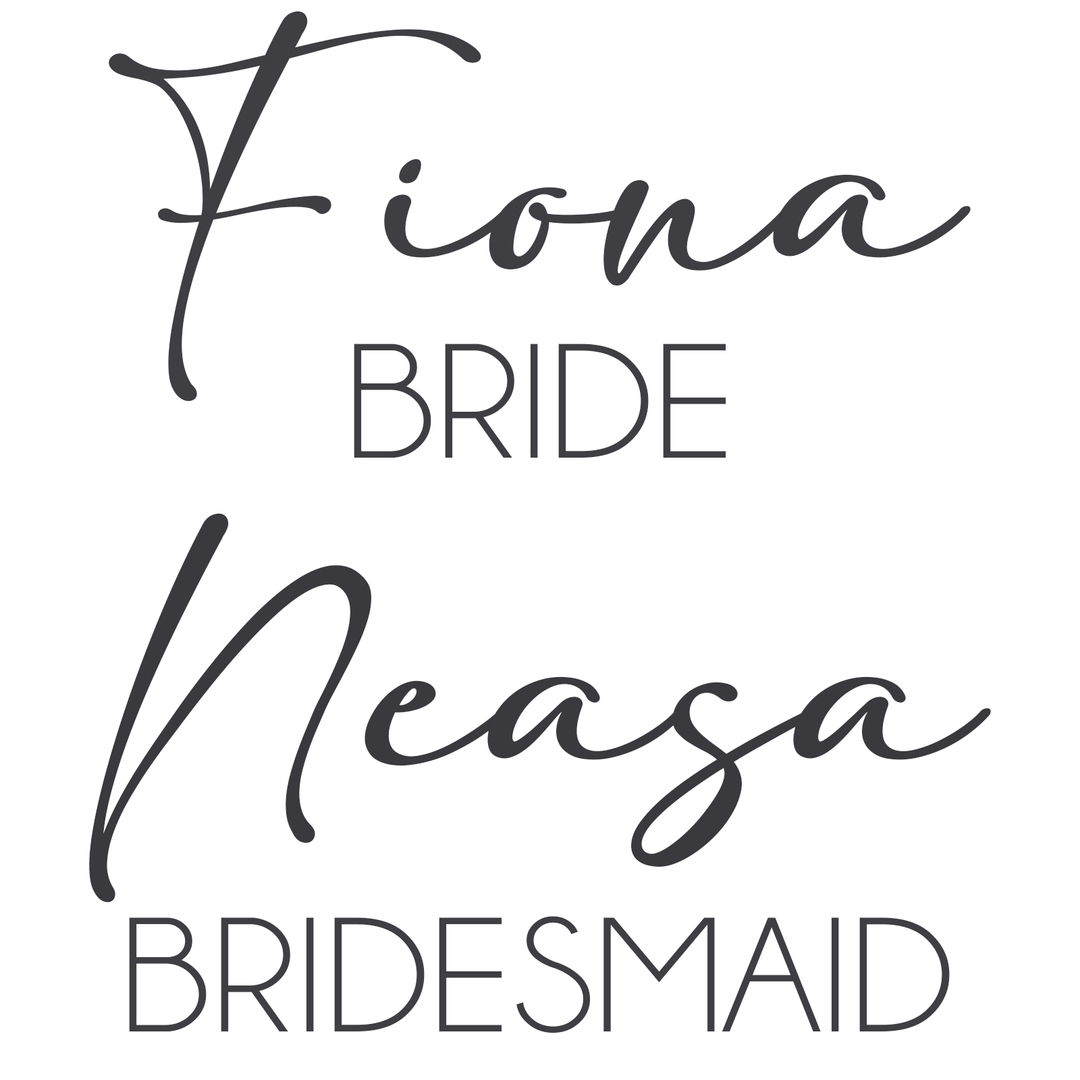
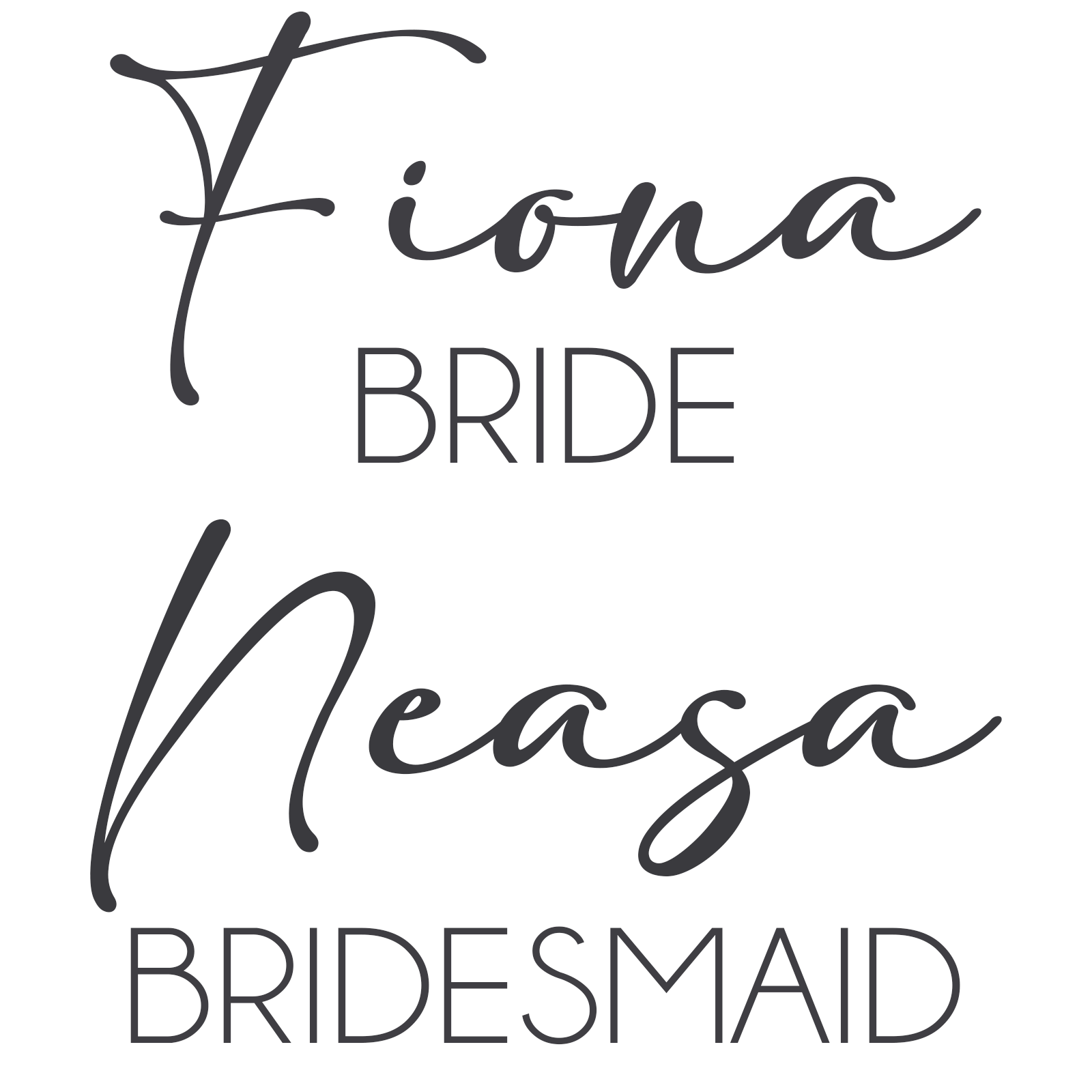
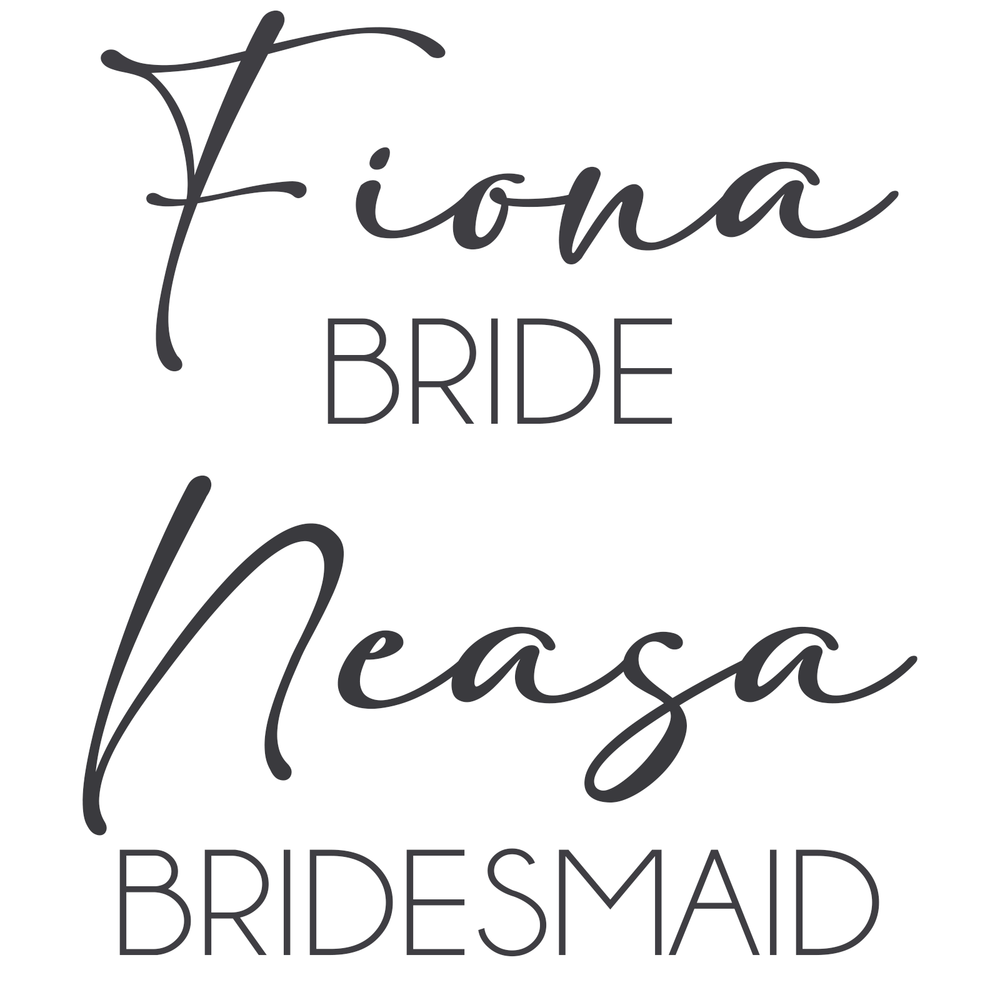
- We use a beautiful elegant dark grey font for personalising your robes!
- In accordance with the European Directive on Distance Selling, customised goods (i.e. personalised gifts) made according to custom specifications may not be returned unless WowWee.ie has incorrectly processed them. Personalisation includes Names and Titles ( Bride, Bridesmaid etc.) Incorrectly processed goods will be replaced.
- Your robe will arrive beautifully wrapped in soft tissue
- We present your robes in a WowWee gift bag hand-tied with a satin ribbon
- Why not add White Bridal Slippers to complete the look?
- We never include any paperwork (invoices/packing slips etc.) with your gift
- Delivered to you or the recipient in 2-3 working days within Ireland
- Enjoy Free Delivery on all orders over ‰âÂ60 throughout Ireland
- Delivery to the UK is ‰âÂ10.50
- Delivery to Europe is ‰âÂ15.50
- Delivery to the Rest of the World is ‰âÂ20.00
- The Delivery time for international orders can vary depending on the destination
How to Type a Fada on Different Keyboards
-
On iPhone / iPad
- Hold down the vowel you need (a, e, i, o, u)
- A pop-up will appear with accented options
- Select the one with the fada (example: á)
-
On Android
- Press and hold the vowel (a, e, i, o, u)
- Choose the fada version (example: á)
-
On Windows (PC / Laptop)
- Hold Alt Gr (right-hand Alt key) and press the vowel:
- Alt Gr + A = á
- Alt Gr + E = é
- Alt Gr + I = í
- Alt Gr + O = ó
- Alt Gr + U = ú
-
On Mac
- Hold down the vowel on your keyboard
- Select the fada version when it appears
- Example: Hold a → á, Hold e → é
-
Alternatively: Copy & Paste
- You can copy and paste these letters into the personalisation box:
- á é í ó ú Á É Í Ó Ú

