




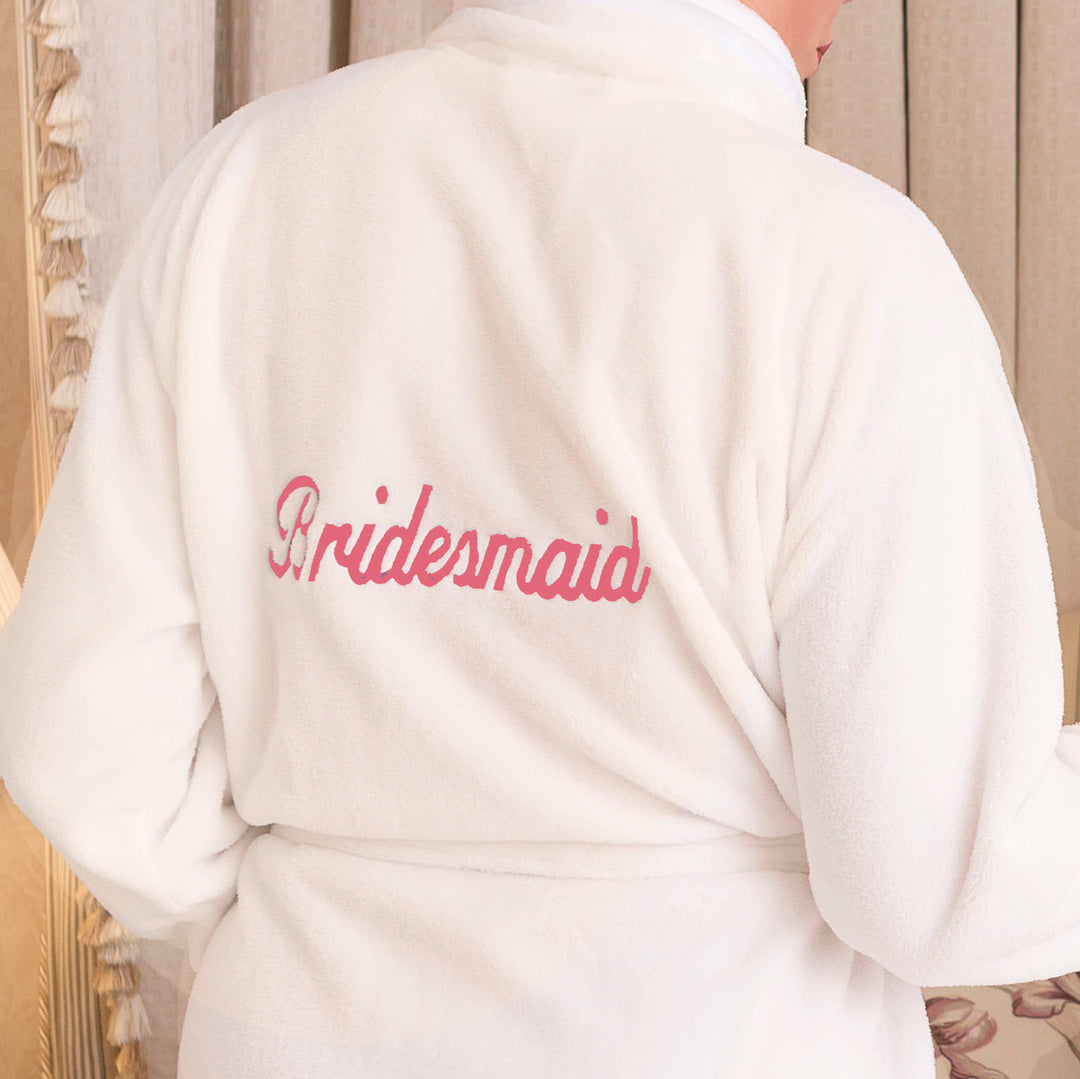
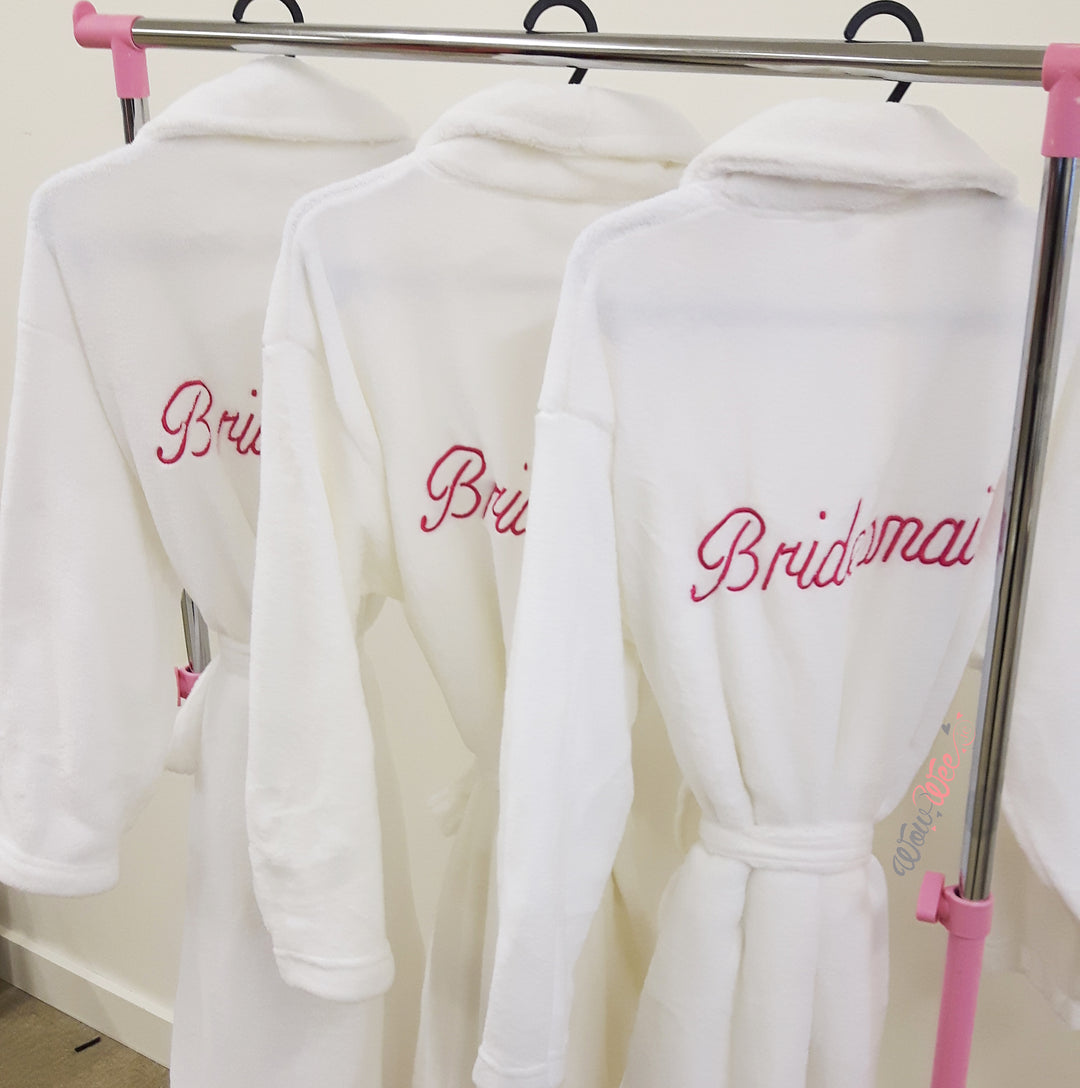
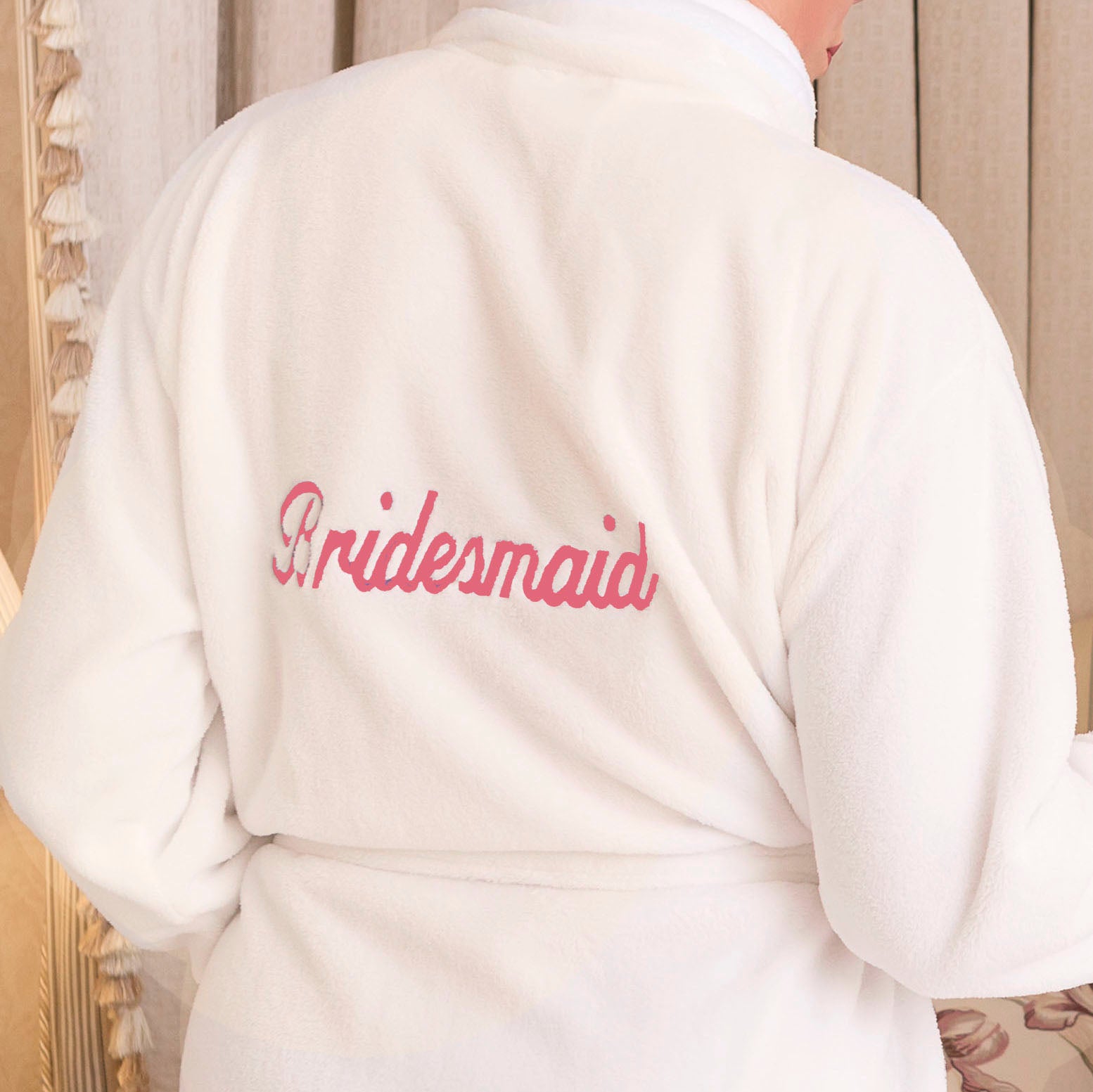
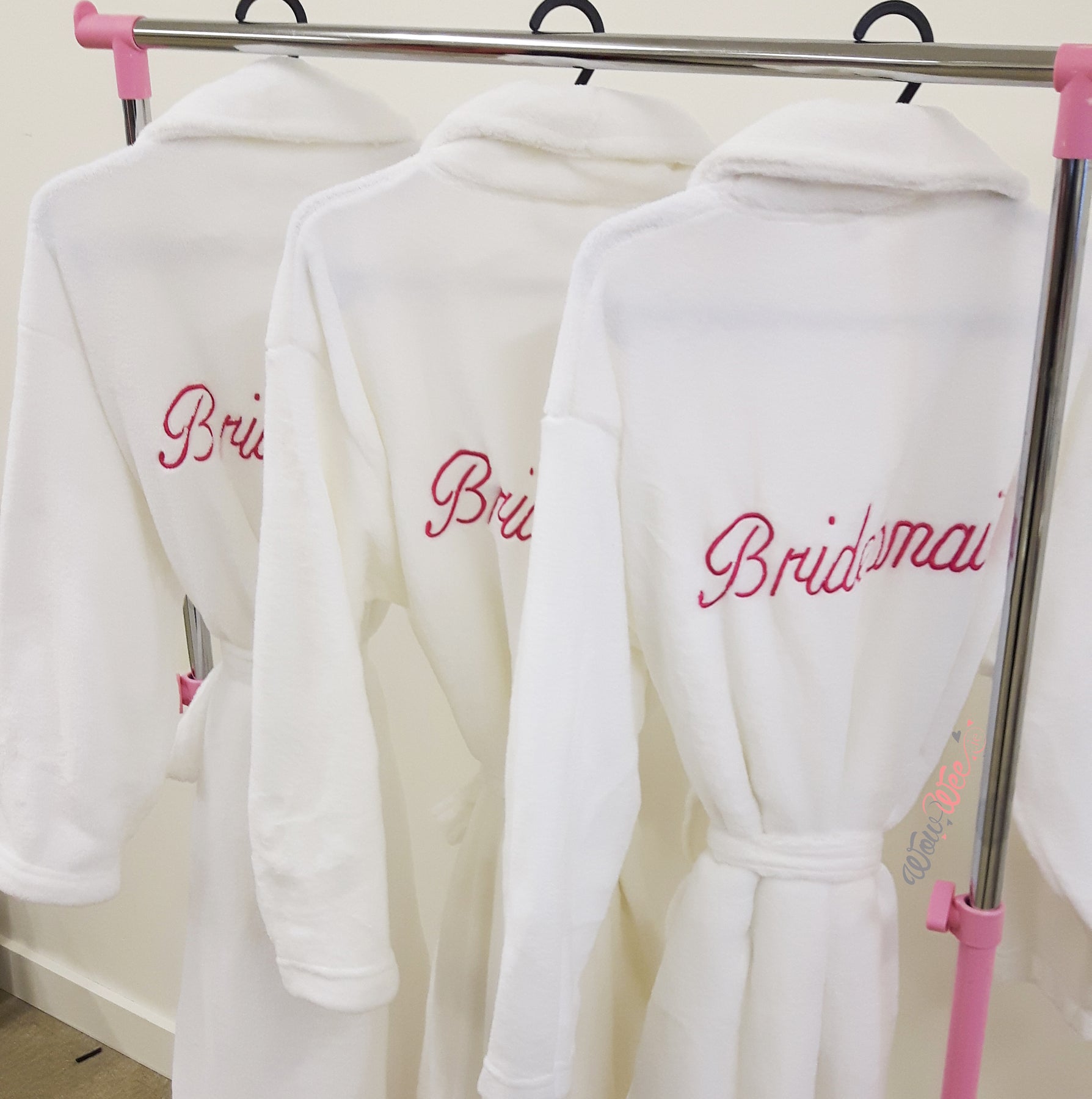
Bridesmaid Robe - Pink Embroidery - To CLEAR - low stock
- Free Shipping in Ireland on orders over €70
- Safe & Secure Online Shopping
Pairs Well With...
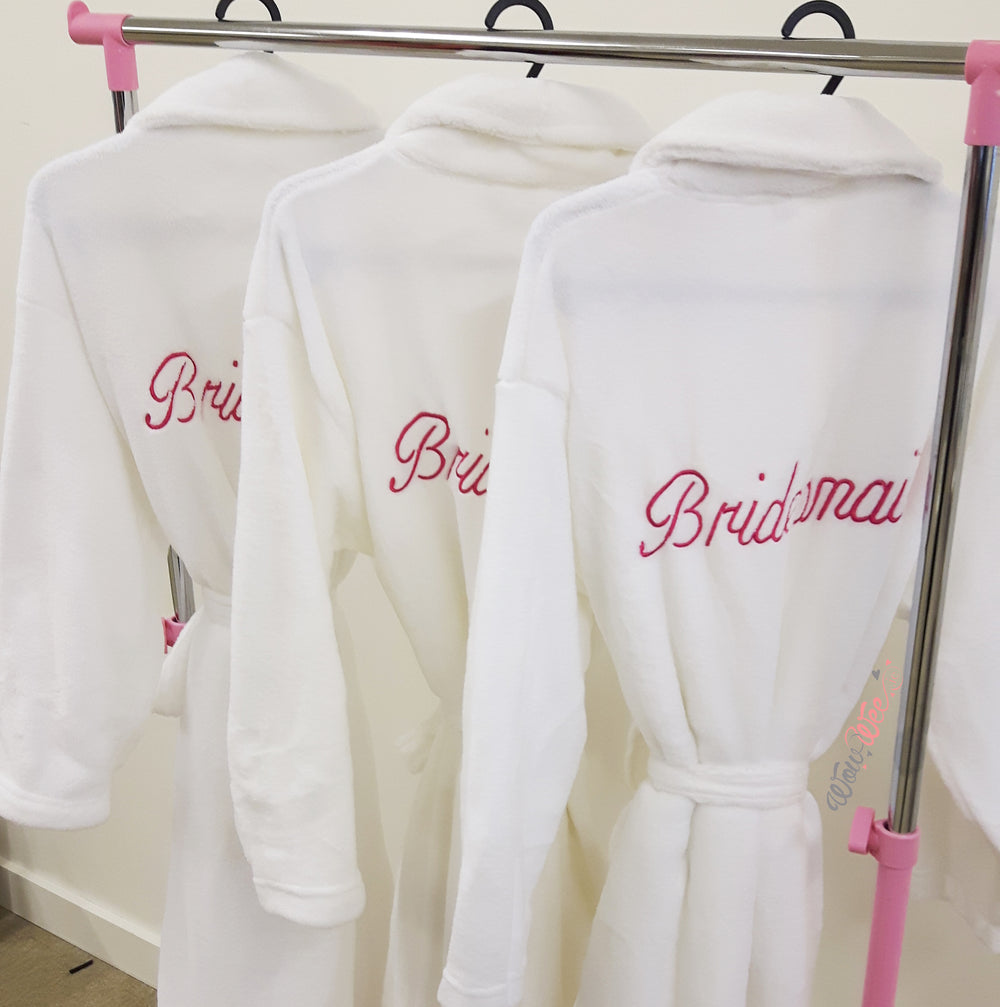
- Super soft and comfortable for getting ready ahead of your big day
- 'Bridesmaid' is embroidered on the back in fuchsia pink thread and cannot be edited
- Available in 2 sizes: S/M -Ladies size 8-14, measures 112cm in length and 76cm from armpit to armpit & L/XL -Ladies size 14-20, measures 127cm in length and 91.5cm from armpit to armpit
- Machine washable at 40°
- Your robes will arrive beautifully wrapped in soft tissue
- We present your robes in a WowWee gift bag hand-tied with a satin ribbon
- Additional gift bags can be added to your order to make your robes easy to gift to your bridal party
- Why not add White Bridal Slippers to complete the look?
- We never include any paperwork (invoices/packing slips etc.) with your gift
-
Delivered to you or the recipient in 1-2 working days within Ireland
-
Delivery charge within Ireland is €4.99 on your entire order when spending under €60
-
Enjoy Free Delivery on all orders over €70 throughout Ireland
-
Delivery to the UK is €10.50
-
Delivery to Europe is €15.50
-
Delivery to the Rest of the World is €20.00
-
The Delivery time for international orders can vary depending on the destination
How to Type a Fada on Different Keyboards
-
On iPhone / iPad
- Hold down the vowel you need (a, e, i, o, u)
- A pop-up will appear with accented options
- Select the one with the fada (example: á)
-
On Android
- Press and hold the vowel (a, e, i, o, u)
- Choose the fada version (example: á)
-
On Windows (PC / Laptop)
- Hold Alt Gr (right-hand Alt key) and press the vowel:
- Alt Gr + A = á
- Alt Gr + E = é
- Alt Gr + I = í
- Alt Gr + O = ó
- Alt Gr + U = ú
-
On Mac
- Hold down the vowel on your keyboard
- Select the fada version when it appears
- Example: Hold a → á, Hold e → é
-
Alternatively: Copy & Paste
- You can copy and paste these letters into the personalisation box:
- á é í ó ú Á É Í Ó Ú