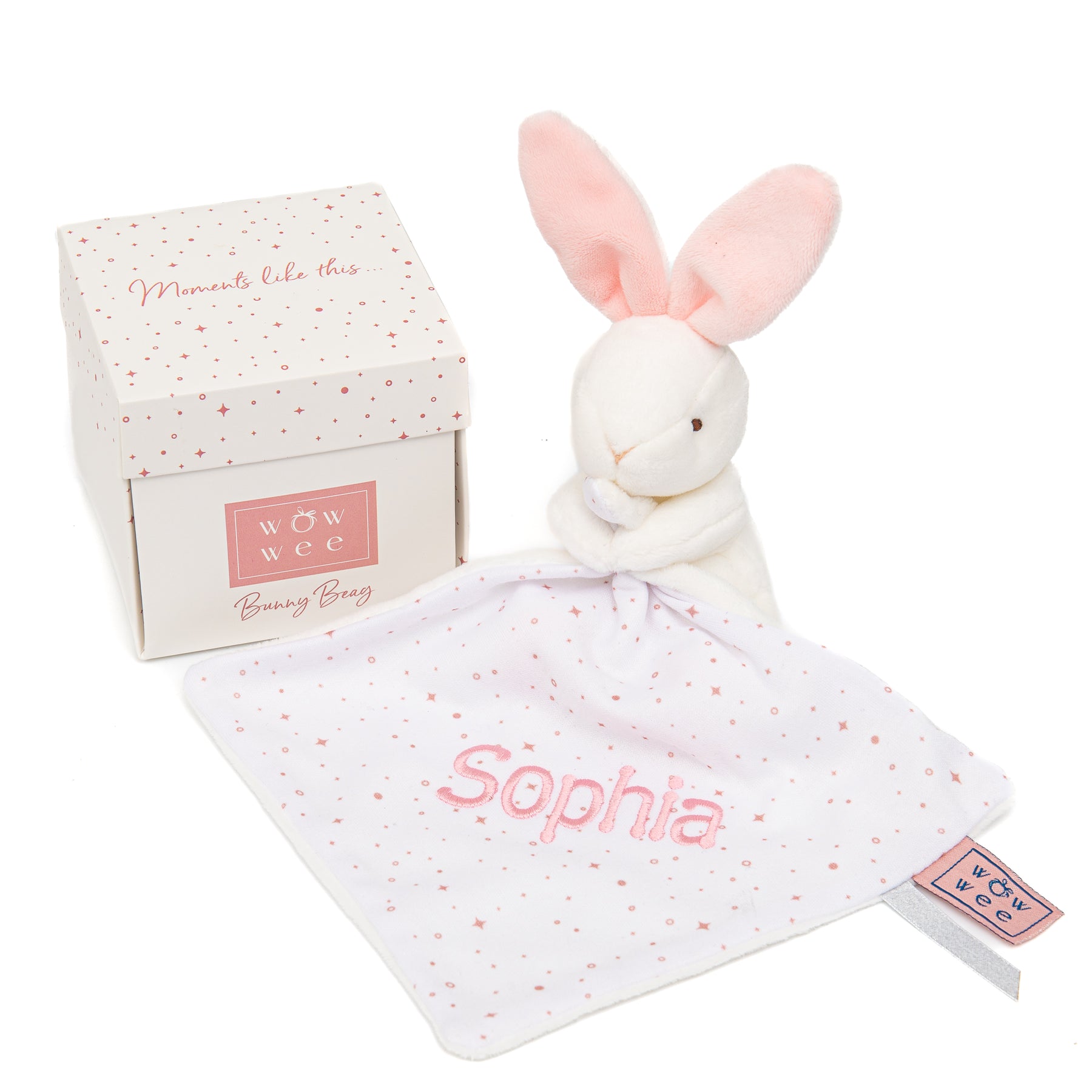
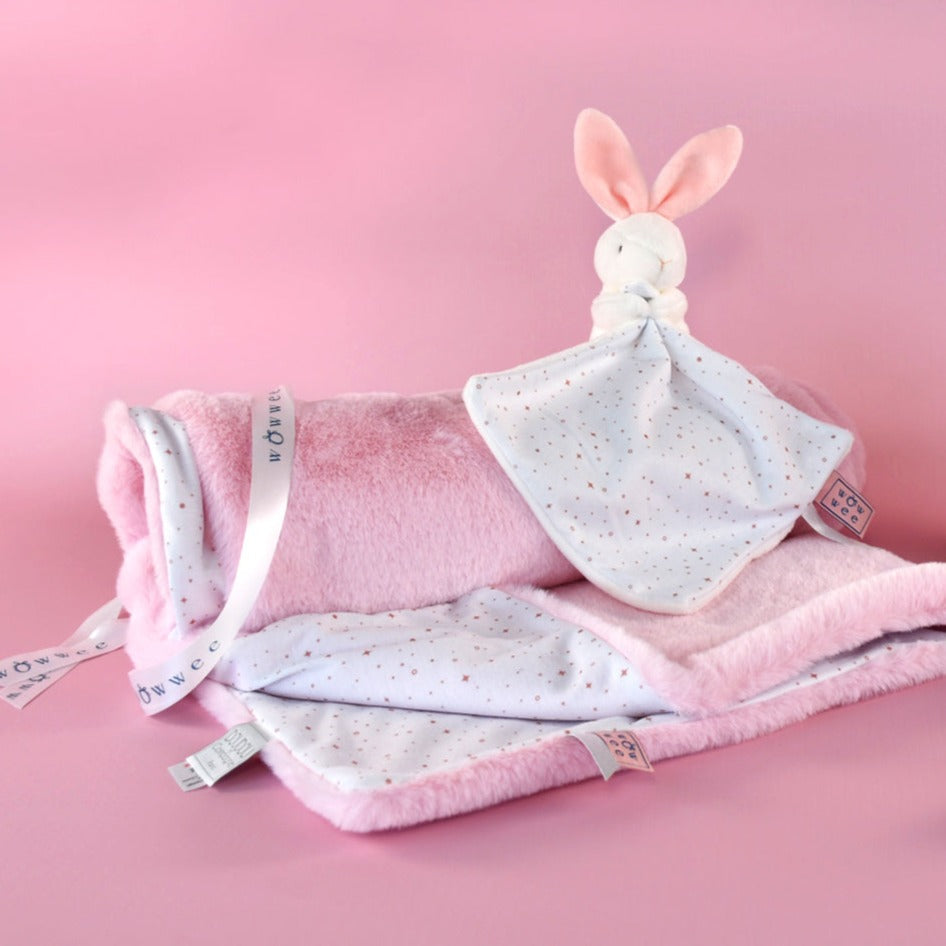
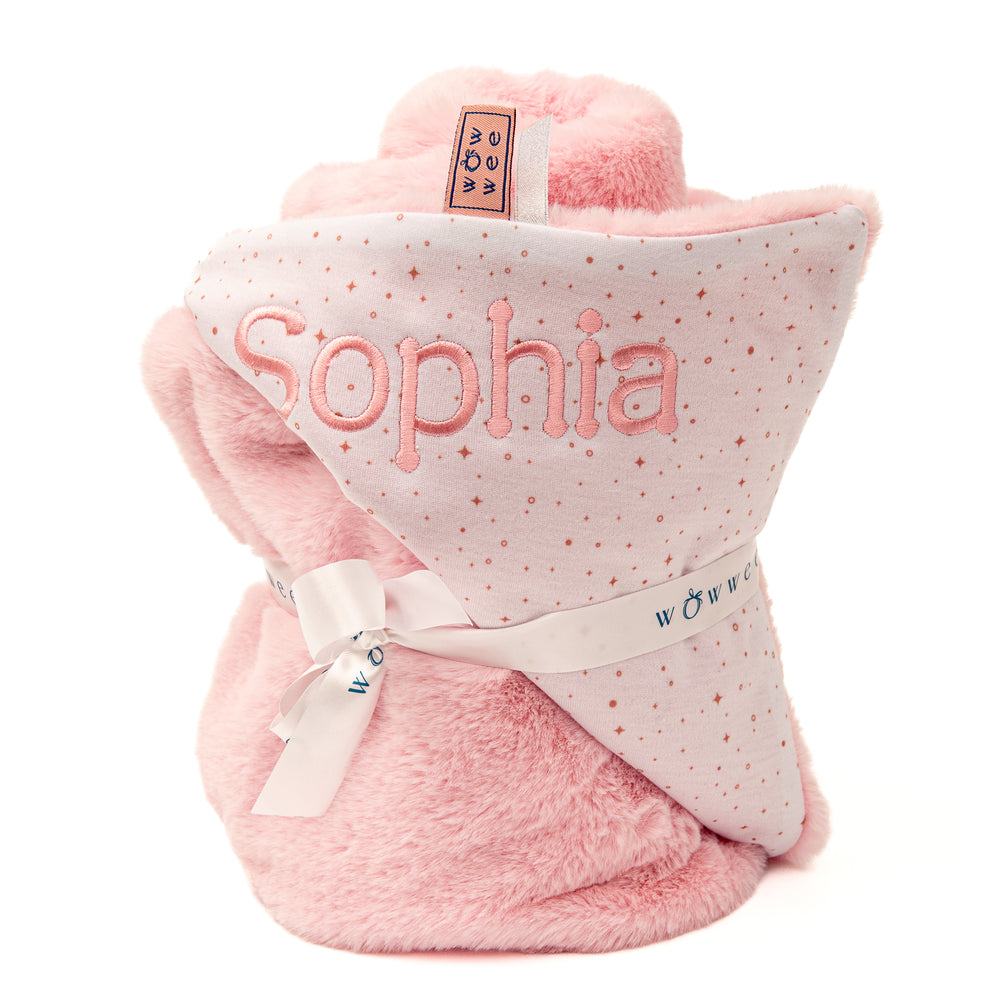
Codladh SámhGift Bundlehas been designed and created with love for WowWee.ie
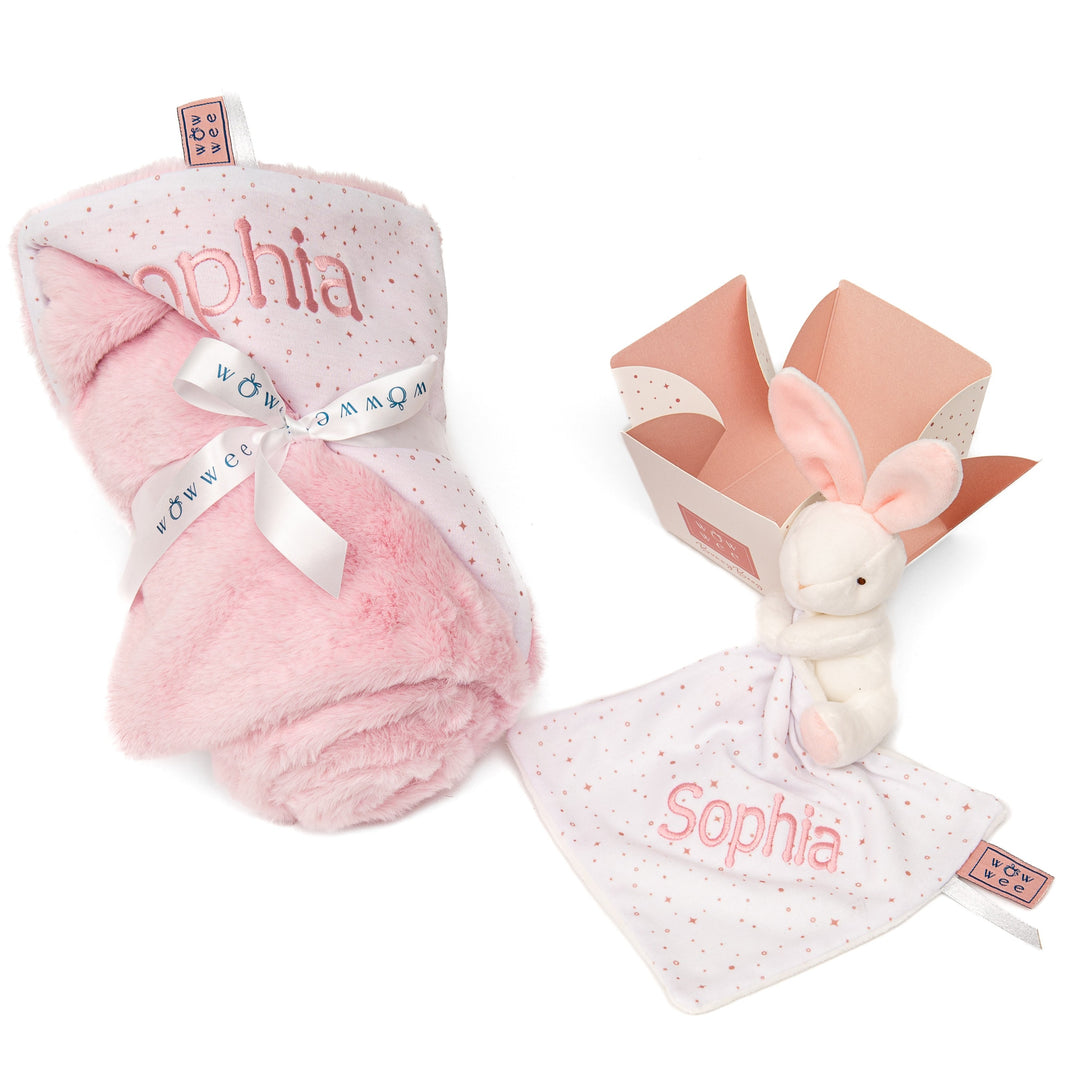
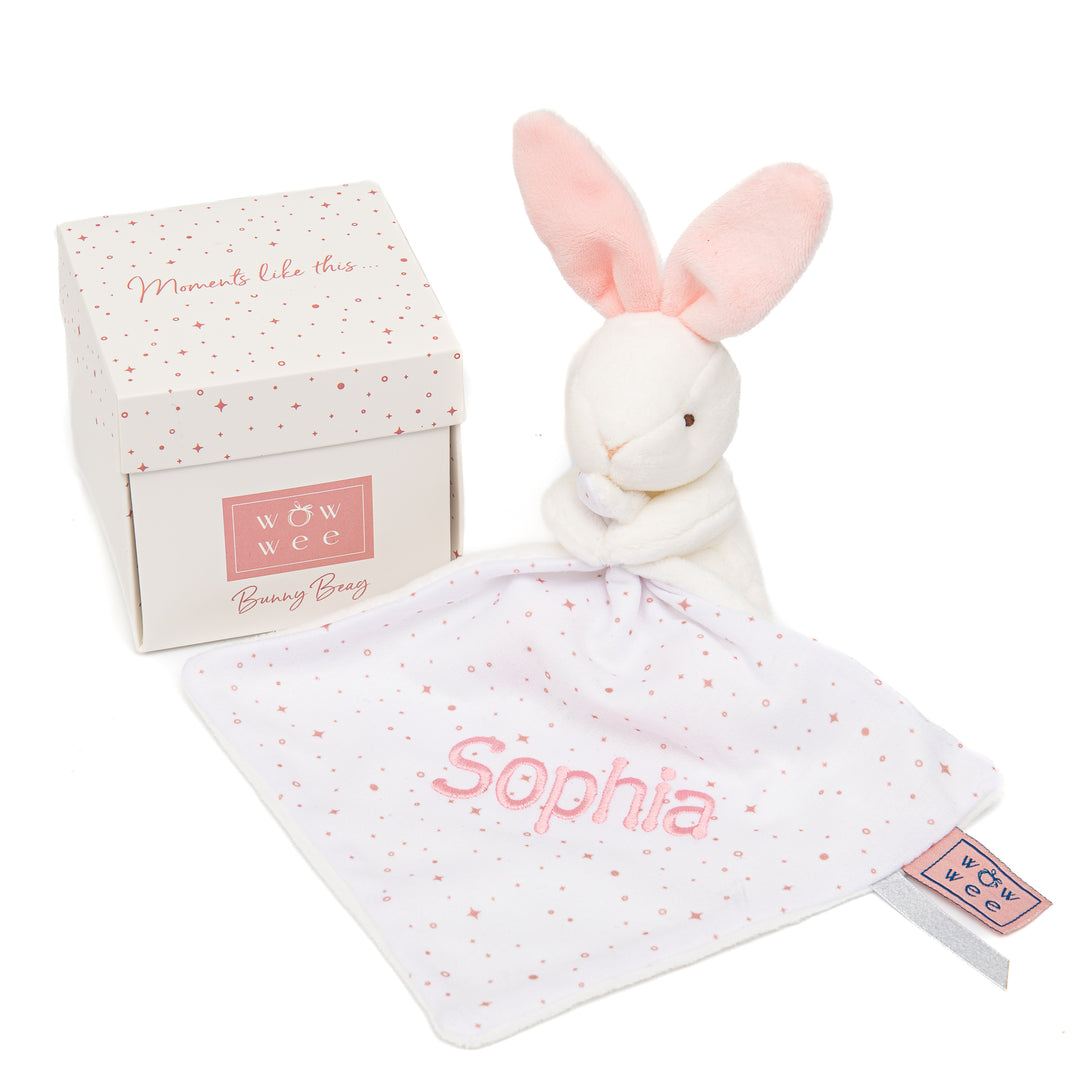
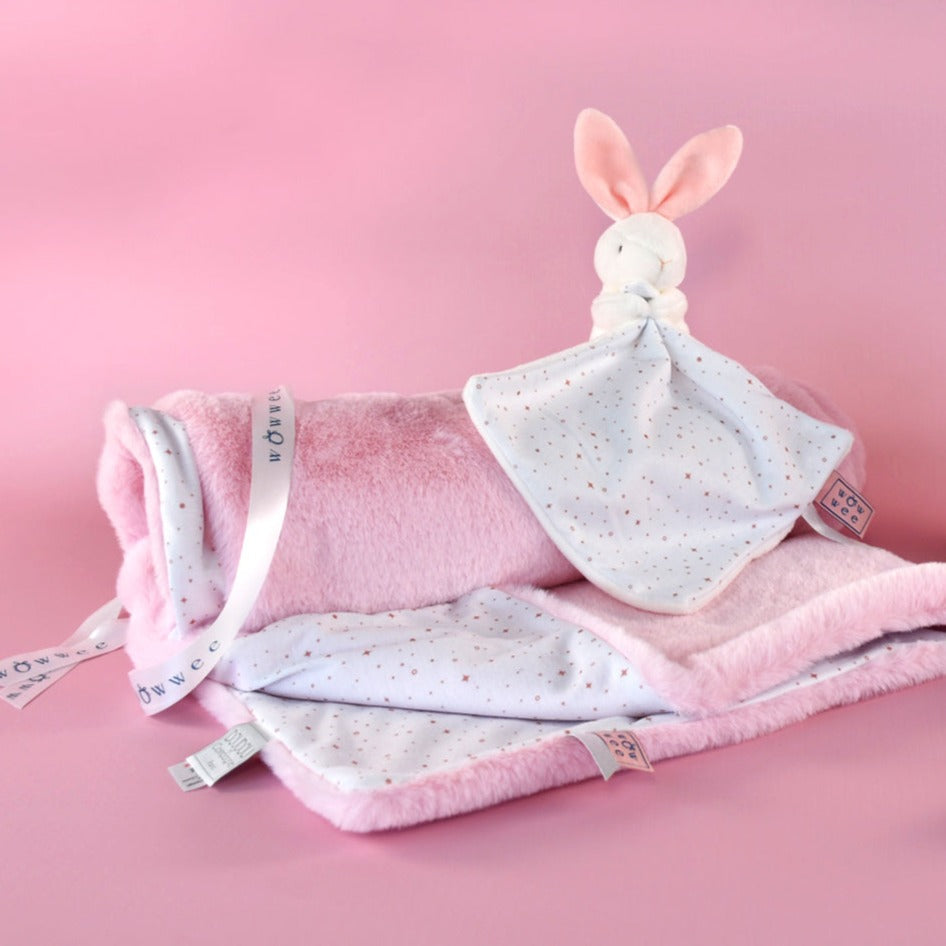
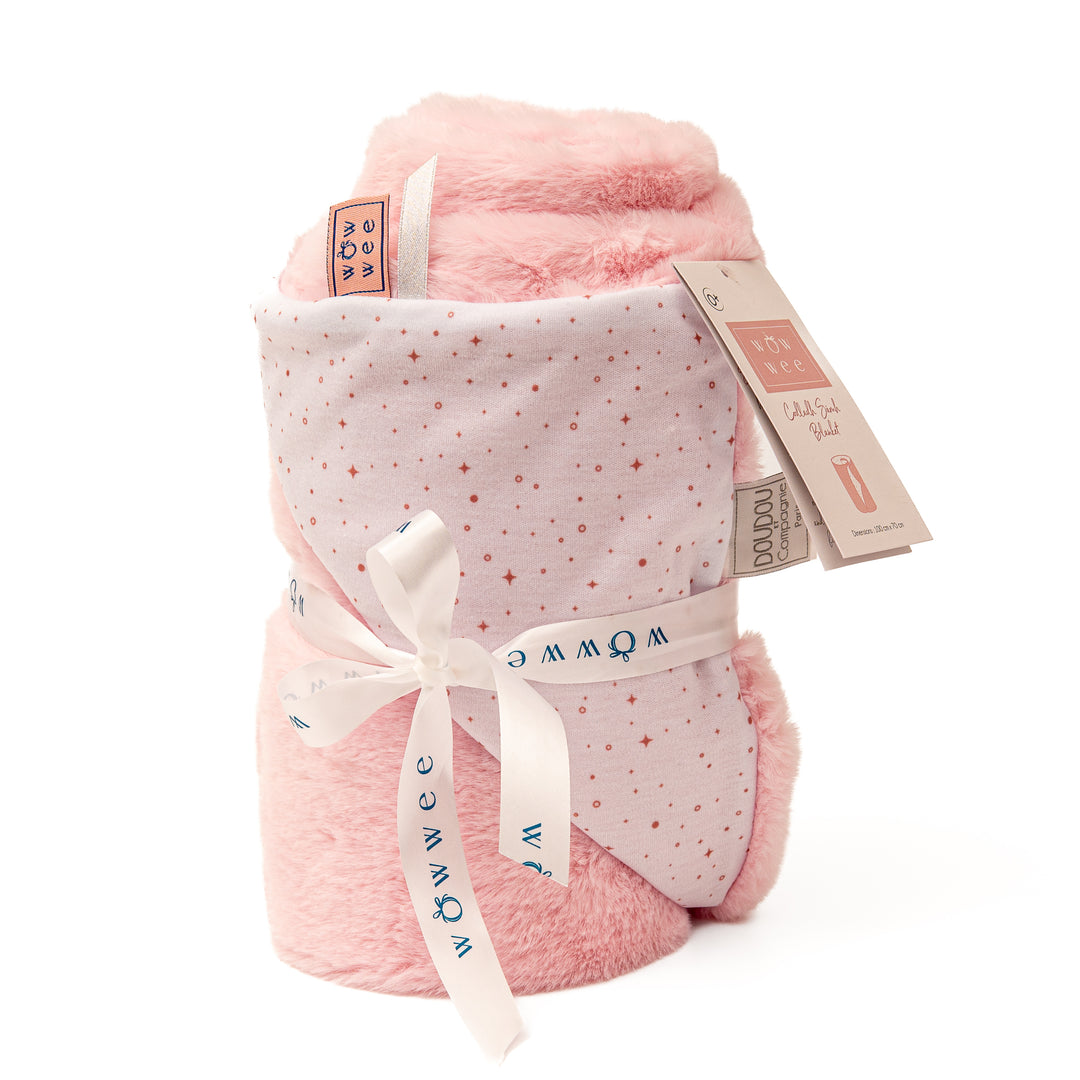
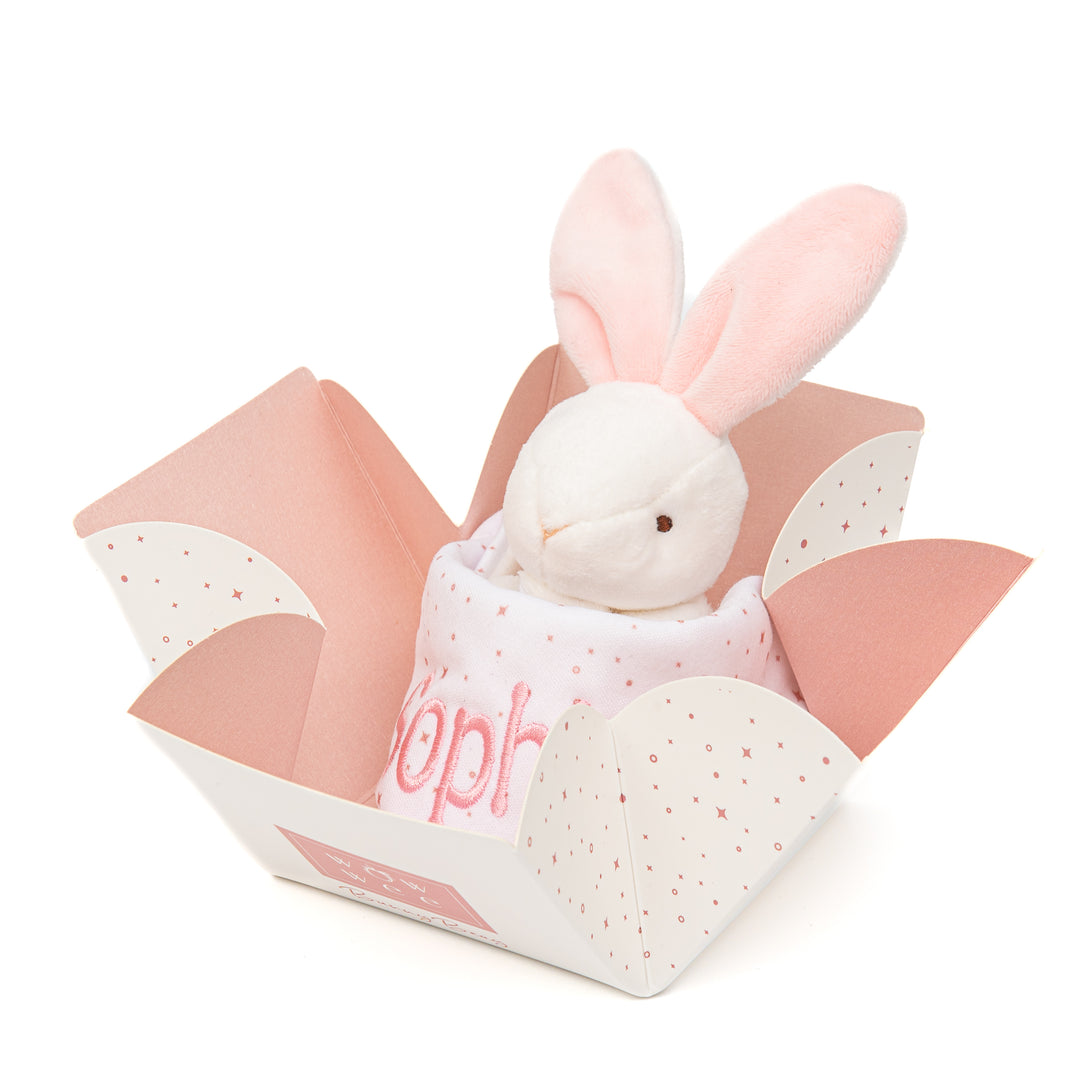
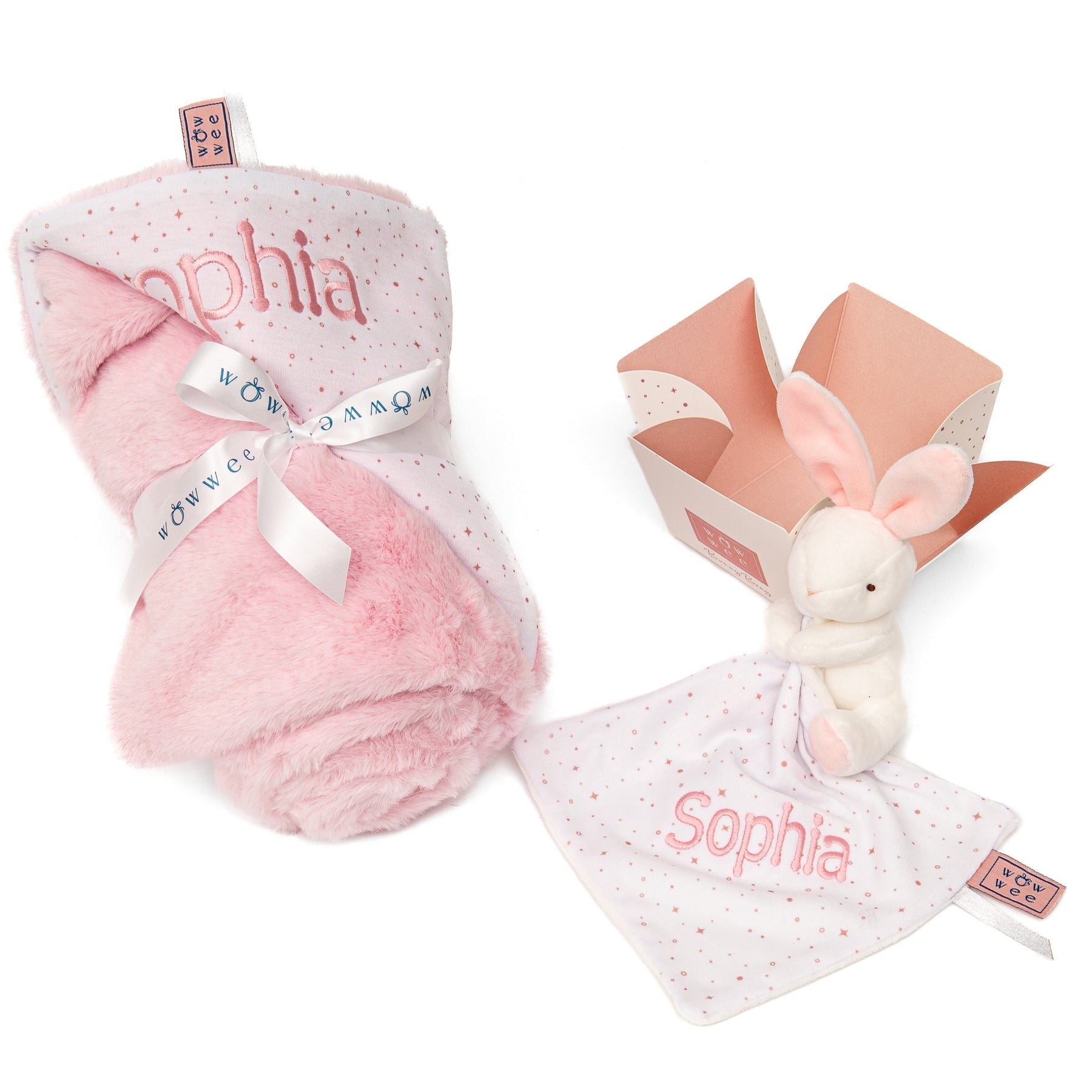
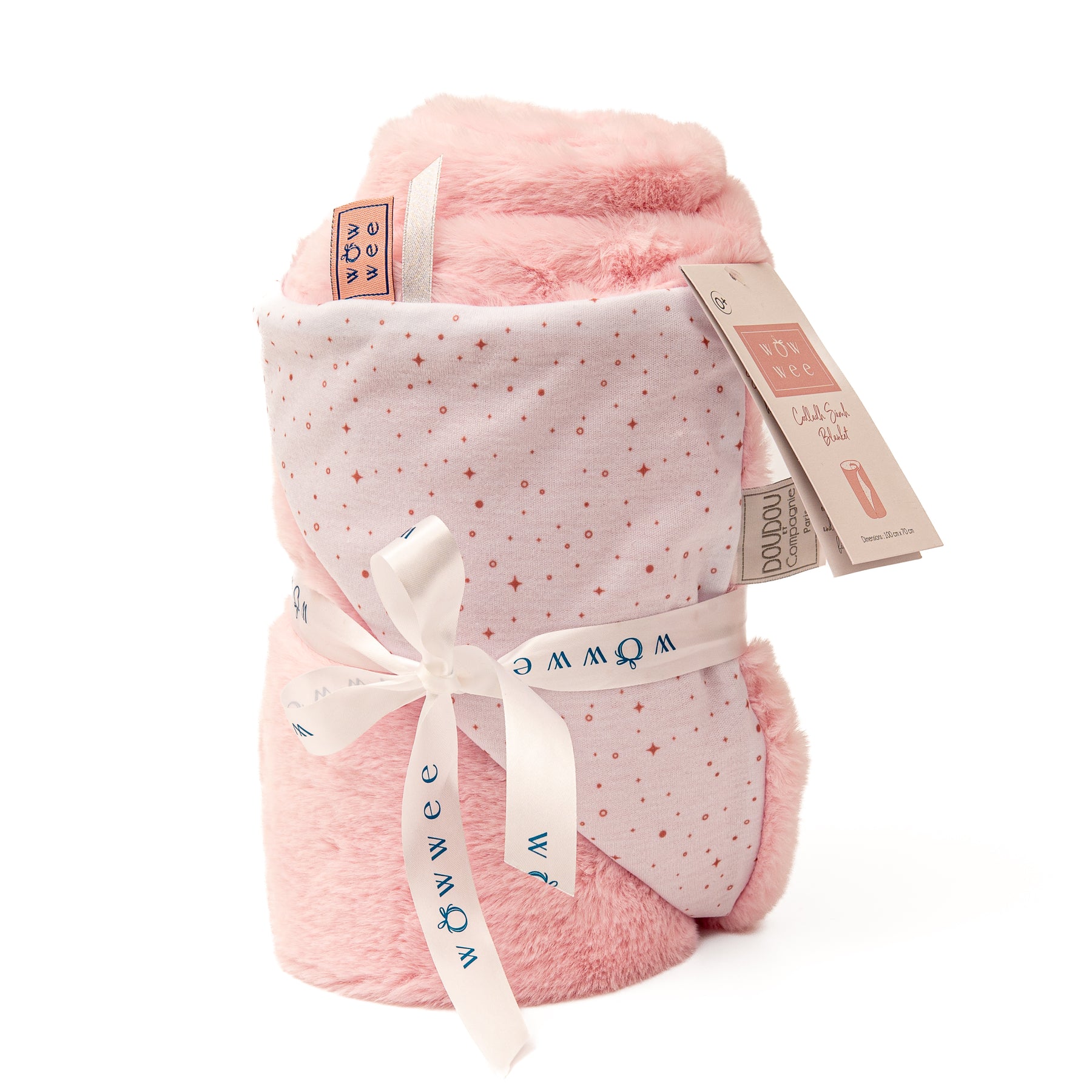
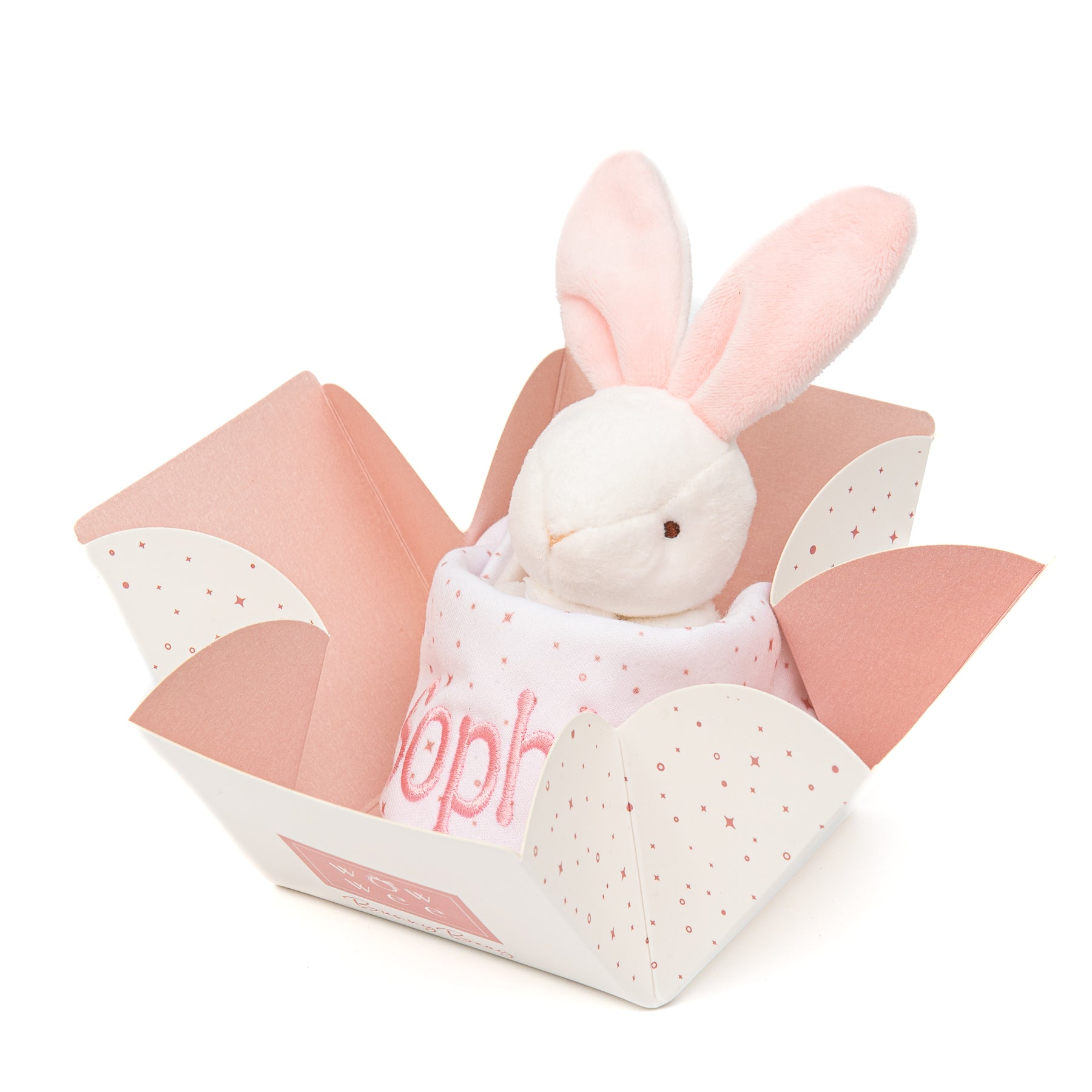
Includes: our signature baby blanket & Bunny Beag comforter - both personalised with name
Happiness is...enjoying cuddles, comfort and a peaceful night's sleep filled with sweet dreams
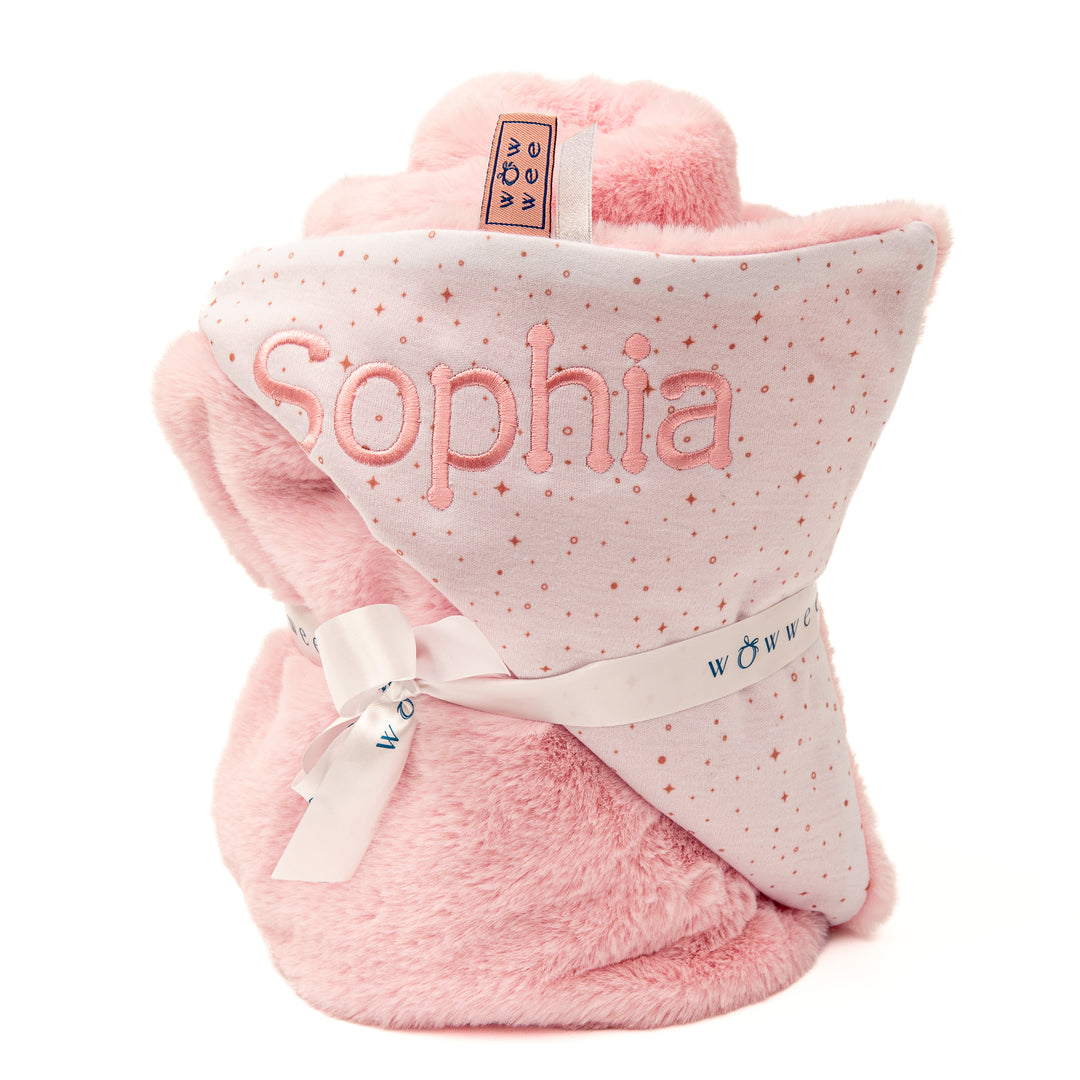
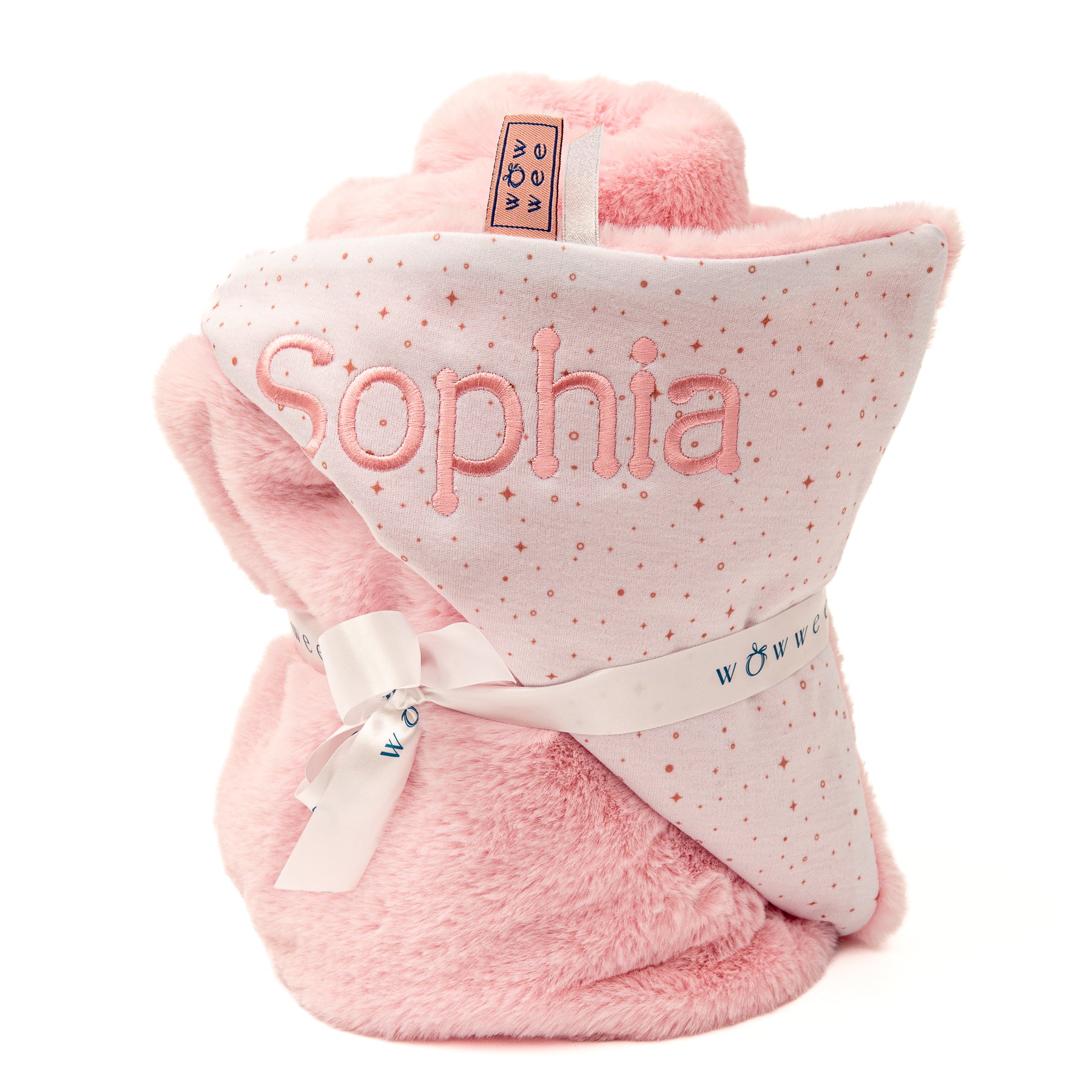
One side features a sprinkling of our signature WowWee confetti pattern in pink which will be beautifully embroidered with your little girl's name while the other side is lined with luxuriously soft faux fur
Blanket dimensions: 100 x 70 cm
Your gift will arrive beautifully wrapped in soft tissue
We present your gift in a WowWee gift bag hand-tied with a satin ribbon
A WowWee gift card can be included with your personal message
The recipient is sure to feel special with a gift to remember
Add a Box of Chocolates to make this gift extra special
We never include any paperwork (invoices/packing slips etc.) with your gift
Delivered to you or the recipient in 1-2 working days within Ireland
Delivery charge within Ireland is €4.99 on your entire order when spending under €70
Enjoy Free Delivery on all orders over €70 throughout Ireland
Delivery to the UK is €10.50
Delivery to Europe is €15.50
Delivery to the Rest of the World is €20.00
The Delivery time for international orders can vary depending on the destination
How to Type a Fada on Different Keyboards
On iPhone / iPad
Hold down the vowel you need (a, e, i, o, u)
A pop-up will appear with accented options
Select the one with the fada (example: á)
On Android
Press and hold the vowel (a, e, i, o, u)
Choose the fada version (example: á)
On Windows (PC / Laptop)
Hold Alt Gr (right-hand Alt key) and press the vowel:
Alt Gr + A = á
Alt Gr + E = é
Alt Gr + I = í
Alt Gr + O = ó
Alt Gr + U = ú
On Mac
Hold down the vowel on your keyboard
Select the fada version when it appears
Example: Hold a → á, Hold e → é
Alternatively: Copy & Paste
You can copy and paste these letters into the personalisation box:
Beautiful as always everything I have received from wow wee is of top quality
I
Irene R.
Baby girl gift
Beautiful blanket and comforter - delighted with it - very quick delivery too
U
U.C.
Would Recommend
Delighted with the really efficient service and fast delivery. Ordered online and delivered straight to recipient. Beautiful baby presents.
S
Stephanie
The best quality
I’ve got these baby blankets for an awful lot of babies.. I’ve just re ordered it again for my baby girl 2weeks ago.. I ordered in fear of her not receiving it as a gift!! It’s an essential gift for anyone you know that has a new baby.. the quality it’s unbelievable.. if you have 1 you’ll know!! I’d love 1myself!!!
A
A.H.
Absolutely beautiful gift, and beautifully presented. The family loved this for their little girl. Quality, outstanding...Would definitely recommend
Codladh Sámh Gift Bundle for Girls - by WowWee.ie | Personalised Comforters for Baby | Personalised Baby Gift Set | Personalised Gift Bundle for Baby Girl | Personalised Baby Girl Blanket | Personalised Irish Baby Blanket | Personalised Name Blanket for Baby | Luxury Baby Blankets | Personalised Gifts for New Baby Girl | WowWee.ie